Debouncing and Throttling

In this article, we will discuss what exactly is debouncing and throttling, why we use them & the main difference between the two.
There might be some functionality in a web page that requires time-consuming computations. If such a method is invoked frequently, it might greatly affect the performance of the browser, as JavaScript is a single-threaded language. So to prevent such conditions, we use the concept of debouncing and throttling. Both of these techniques are used for performance optimization and rate-limiting of certain function calls.
Now we will deep dive into these concepts using a simple example :
Let's take an example where you need to implement a suggestive text functionality into your application. Based on user input we call an expensive function (such as make an API call to the backend) and give suggestions to the user.
Case 1:
<!DOCTYPE html>
<html lang="en">

<head>
    <meta charset="UTF-8">
    <meta name="viewport" content="width=device-width, initial-scale=1.0">
    <title>Document</title>
    <link rel="stylesheet" href="style.css">
</head>

<body>
    <input type="text" name="search" id="search" placeholder="Search">
    <script src="index.js" type="text/javascript"></script>
</body>
</html>
let textField = document.querySelector('#search');
textField.addEventListener('input', () => {
    console.count("search action without optimization!!")
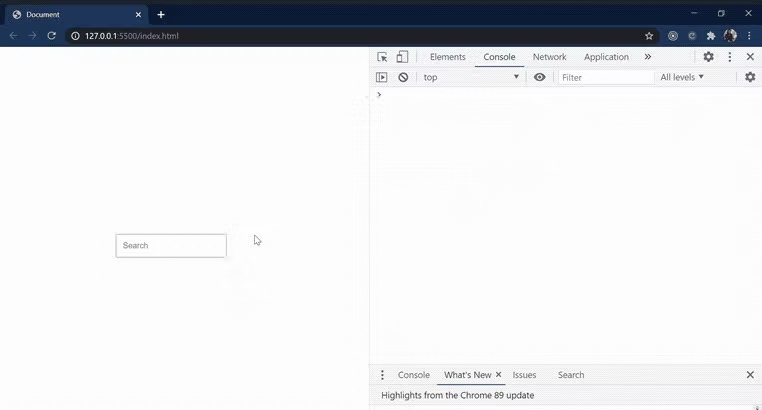
In the above code snippet, we will attach a listener to the keypress event. Every time you enter any keyword it calls a function.
The above technique is not optimal and leads to unnecessary function calls that stall the performance of the web page.
first, we'll examine do we really need to make a function call if the user is still typing? No. We should wait till the user has halted typing for at least some amount of time before we make a function call.
To optimize it further we will use debouncing & throttling.
Case 2: Debouncing
In the debouncing technique, no matter how many times the user fires the event, the attached function will be executed only after the specified time once the user stops firing the event.
//Case 2: With Debouncing
const debounce = (func, delay) => {
    let timerId;
    return function () {
        clearTimeout(timerId)
        timerId = setTimeout(() => func.apply(this, arguments), delay)
    };
};

function handleButtonClick() {
     callbackFn();
}

function handleConsole() {
    console.count("debounce function executed!!")
}

let callbackFn = debounce(handleConsole, 1000);

let textField = document.querySelector('#search');
textField.addEventListener('input', handleButtonClick);
The debounce() function forces a function to wait a certain amount of time before running again. The function is built to limit the number of times a function is called.
As you noticed, in the above scenario the number of function calls is decreased drastically which improves our web performance.
Case 3: Throttling
Throttling is a technique in which, no matter how many times the user fires the event, the attached function will be executed only once in a given time interval.
/Case 3: With Throttling
const throttle = (func, delay) => {
    let toThrottle = false;
    return function () {
        if (!toThrottle) {
            toThrottle = true;
            func.apply(this, arguments)
            setTimeout(() => {
                toThrottle = false
            }, delay);
        }
    };
};

function handleButtonClick() {
     callbackFn();
}

function handleConsole() {
    console.count("throttle function executed!!")
}

let callbackFn = throttle(handleConsole, 1000);

let textField = document.querySelector('#search');
textField.addEventListener('input', handleButtonClick);
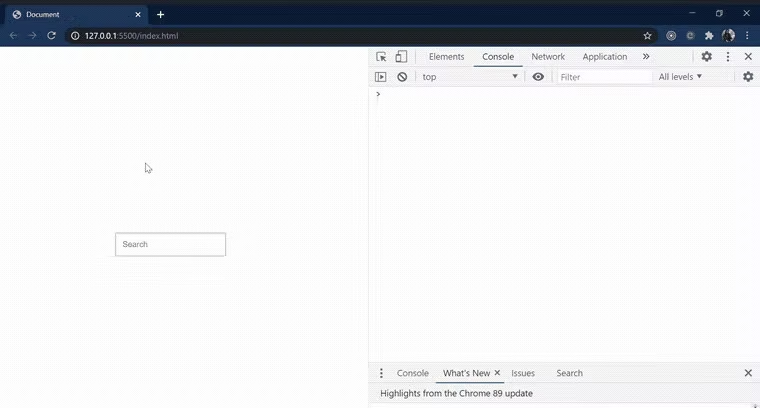
Throttling is used to call a function after every millisecond or a particular interval of time only the first click is executed immediately.
throttle function takes an existing expensive function & delay limit and returns a better expensive function which is called only after a certain delay limit.
In the above scenario, if a user continues to type every function is executed after 1000ms except the first one which is executed as soon as the user starts typing. It prevents the frequent calling of the function.
Wrap Up
Thanking you for reading this article. Happy reading !!!


